
Your website architecture determines how easily users and search engines can discover and understand your content. When a site is poorly structured, important pages can get buried, relationships between content can become unclear, and valuable internal authority may be diluted.
A strong architecture creates clear connections between your pages, topics, products, and categories, making the site easier to navigate and understand.
In this blog, we’ll cover 12 best practices for designing an SEO-friendly website architecture that supports both users and search engines.
12 Ways to Design an SEO-Friendly Website Architecture
Here are the 12 best ways to design an SEO-friendly website architecture:
1. Start With a Clear Hierarchy of Pages
Organize your website into a clear hierarchy, moving from the homepage to broader categories, subcategories, and individual pages. This gives users and search engines a straightforward way to understand how your content is organized.
Avoid burying important pages several levels deep, as they can become harder to discover and navigate. For example, a SaaS website might structure its solutions as /solutions/ → /solutions/marketing/ → individual marketing solution pages.
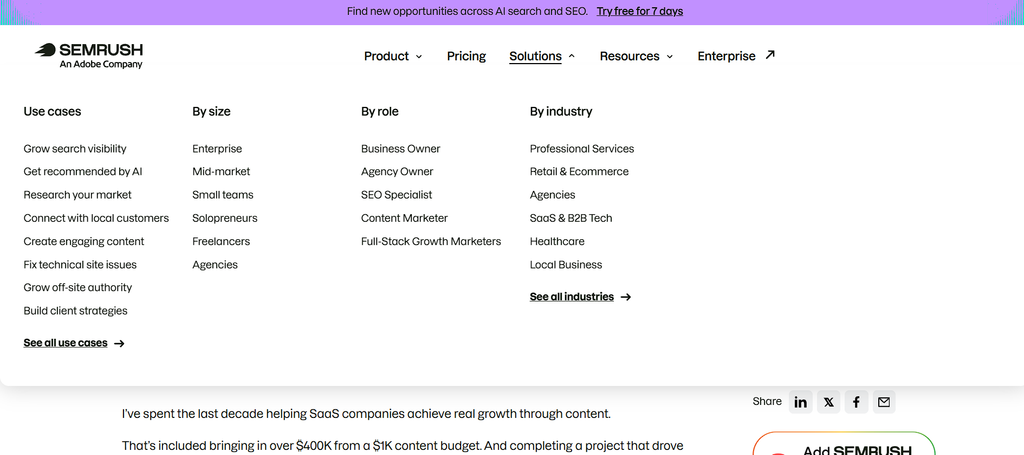
Most importantly, your hierarchy should reflect how your business and content are organized, not force pages into an arbitrary structure.
2. Build Your Architecture Around Search Intent and Topics
Your website structure should reflect what your audience searches for, not how your company is divided internally. Grouping related pages around common topics and search needs also helps search engines understand the broader subject areas your website covers.
Here are a few ways to do this:
- Focus on customer needs: Structure your website around what your audience is looking for, not internal departments.
- Group by topics: Organize related pages around the topics and problems your customers actually search for.
- Match search intent: Align informational, commercial, and transactional content with the sections where they best fit.
- Build topic clusters: Connect related content around core topics to create stronger topical context and help search engines understand the depth and relevance of your content.
3. Keep Important Pages Within a Few Clicks of the Homepage
The closer an important page is to the homepage, the easier it is for users and search engines to find. A well-planned structure keeps high-value pages accessible without making visitors navigate through unnecessary layers.
There’s no need to follow an arbitrary “three-click rule.” Instead, aim for a shallow, logical architecture where important commercial pages are easy to reach. Prioritize accessibility based on business importance, and use relevant internal links to create additional paths to high-value pages and reduce their effective click depth.
4. Create Logical URL Structures That Reflect Site Hierarchy
Your URL structure should give users and search engines a clear idea of what a page is about and where it fits within your website. Keep URLs descriptive, readable, and consistent across similar types of pages.
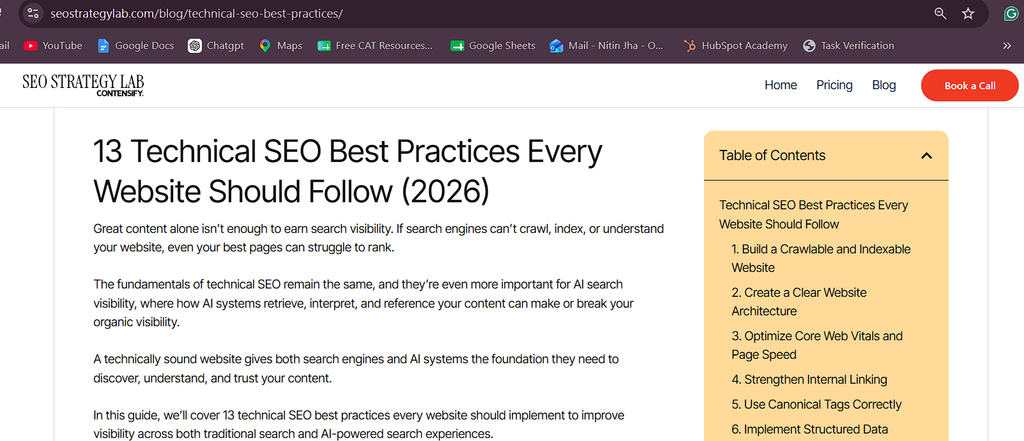
Avoid unnecessary parameters, IDs, dates, or overly nested URLs that make paths harder to understand. At the same time, if your website is already established, don’t change URLs simply to make them look cleaner. Unnecessary URL changes can create migration risks and may not provide enough SEO value to justify the disruption.
5. Build Strong Internal Linking Between Related Pages
Internal links connect the different parts of your website and help users and search engines discover related content. A strong internal linking structure also helps direct attention toward pages that matter most to your business.
Link from high-authority pages to strategically important ones, and create contextual connections between pillar pages and their supporting content. Use descriptive anchor text naturally so the relationship between linked pages is clear. Avoid relying only on navigation menus or generic links such as “read more” to connect important pages.
6. Design Topic Clusters Into the Site Architecture
Think of your website as a network of closely connected topics rather than a collection of standalone pages. A topic cluster brings together a central pillar page, supporting articles, product or solution pages, and related resources around the same subject.
For example, a B2B SaaS site focused on CRM could build connections across CRM → CRM features → CRM integrations → CRM use cases → CRM comparisons.
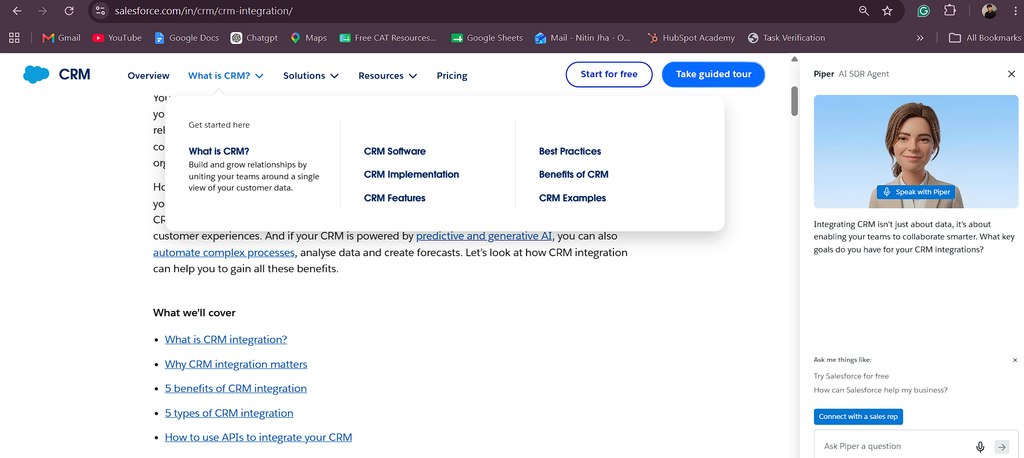
Supporting content should link back to the relevant pillar page and to other closely related pages where it adds value. This structure helps search engines see how your content connects and demonstrates depth around a specific topic, which can reinforce your topical authority.
7. Use Navigation to Prioritize Your Most Valuable Pages
Your navigation does more than help users move around the website. It also signals which pages are most important and how different sections are connected. Keep the primary navigation focused on key product, solution, resource, and commercial pages.
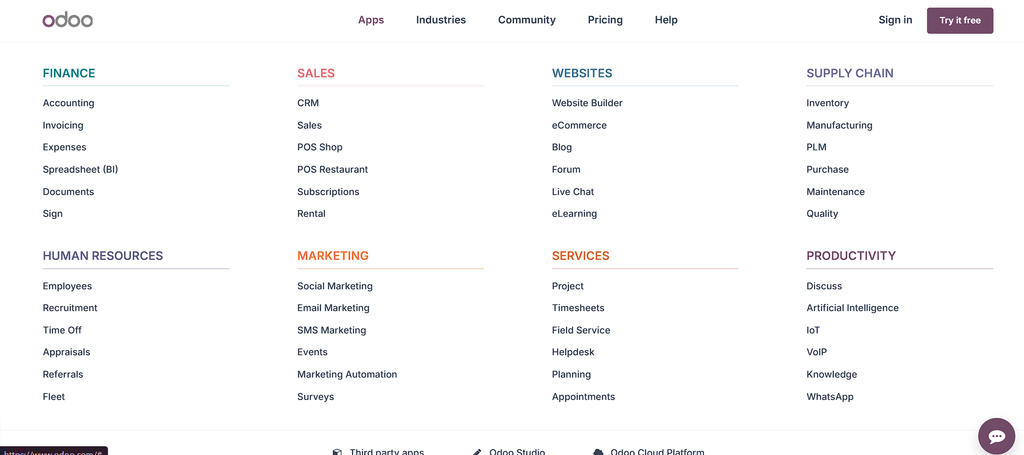
On larger websites, use dropdowns or mega menus to organize these sections without making the menu overwhelming. Avoid adding every page to the main navigation. Instead, make sure your most valuable pages remain easy to find while keeping the overall menu simple and focused.
8. Prevent Orphan Pages and Create Multiple Discovery Paths
A well-connected website gives important pages more than one way to be discovered. Orphan pages, which have no internal links pointing to them, can easily get overlooked and remain disconnected from the wider site. Use relevant navigation elements, breadcrumbs, related content, and contextual links to connect important pages with the rest of your website.
These connections make it easier for users to move through related content, and it also gives search engines more paths to discover and crawl your pages. The goal is to make every important page feel like a natural part of the website rather than a standalone destination.
9. Use Faceted Navigation and Filters Without Creating Index Bloat
Filters make large websites easier to navigate, but they can also create a huge number of URL combinations. This is especially common on ecommerce sites, marketplaces, SaaS directories, and other large websites.
Not every filtered version of a page needs to appear in search. Decide which combinations provide genuine search value and which should remain accessible only for navigation.
- Identify valuable filtered pages: Allow search visibility for filter combinations that match meaningful search demand.
- Control unnecessary URLs: Use appropriate crawling and indexation controls to prevent low-value parameterized pages from creating index bloat.
- Avoid blocking useful pages: Make sure controls applied to filtered URLs do not accidentally prevent valuable pages from being discovered or indexed.
- Keep indexation selective: The goal isn’t to make every possible URL indexable, but to ensure search engines can access the pages that genuinely deserve visibility.
10. Use Breadcrumbs to Reinforce Context and Hierarchy
Breadcrumbs give users a clear sense of where they are within your website and make it easier to move back through related sections. They also reinforce the relationship between parent and child pages, giving search engines additional context about your site structure.
Use breadcrumbs consistently across deeper sections of your website, especially where pages sit several levels below the homepage. Where appropriate, add BreadcrumbList structured data to help search engines understand the breadcrumb hierarchy.
However, breadcrumbs should complement contextual internal links, not replace them. They provide another useful navigation path, while contextual links connect pages based on their actual relevance.
11. Design Architecture for Programmatic and International SEO at Scale
As websites grow, they often need to create hundreds or thousands of pages for integrations, industries, locations, or other specific use cases. The challenge is building these pages in a way that keeps the overall architecture organized and consistent.
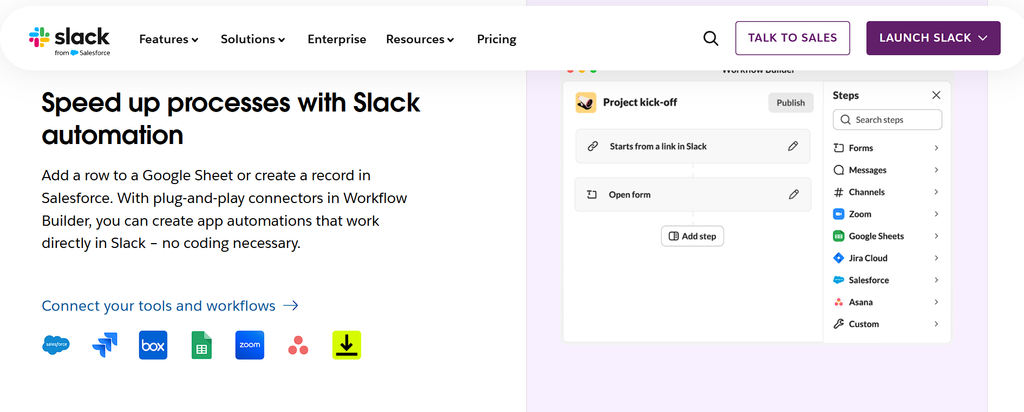
Use repeatable structures for both URLs and internal linking. For example:
- Integration pages: /integrations/slack/, /integrations/hubspot/
- Industry pages: /solutions/industry/saas/
- Location pages: /locations/united-kingdom/
For international websites, use a logical country or language structure and clearly connect localized versions of the same content. Most importantly, scale only where there is genuine value. Creating thousands of thin or near-duplicate pages can clutter the site rather than strengthen its architecture.
12. Build an Architecture That Supports Search Engines and AI Discovery
Clear connections between your products, services, topics, and supporting content help search engines and AI-powered platforms understand what your site is about and how different pieces of information relate.
Here are the key ways to build for this:
- Connect related entities: Link products, services, topics, and supporting content through relevant internal links.
- Keep terminology consistent: Use consistent names and descriptions for the same products, services, and concepts.
- Support key pages with evidence: Connect authoritative pages with relevant guides, case studies, research, and related resources.
- Use structured data: Add it where it accurately describes the content on the page.
- Make information easy to extract: Use clear headings, sections, lists, and concise explanations.
- Build for broader discovery: A well-connected architecture gives search engines and AI-powered platforms more context to understand and surface your content.
This supports Search Everywhere Optimization by creating a clear information structure that can improve visibility across traditional search and newer discovery platforms.
Conclusion
A strong website architecture makes it easier for users, search engines, and AI-powered platforms to understand your content and how everything connects. It also gives your search strategy a stronger foundation as your website grows.
That’s where SEO Strategy Lab comes in. We help B2B companies build visibility across search engines, AI answers, and other discovery platforms, connecting SEO with long-term business growth.
Ready to build a stronger search strategy? Book a strategy call with us.